Camtasia is a well-regarded screen-capture and editing software. But editing a video by hand has nothing to do with producing training at scale.
Camtasia is a desktop screen-capture and video-editing software, widely used for tutorials. It is a tool that helps you edit: powerful, but entirely manual, with a steep learning curve and high production time.
This is the sharpest gap. With Camtasia, each video is edited frame by frame: the result depends on your time and your editing skills. Hoctav automates the script, voice-over, subtitles and visuals — from a brief to a distributable module in a few minutes.
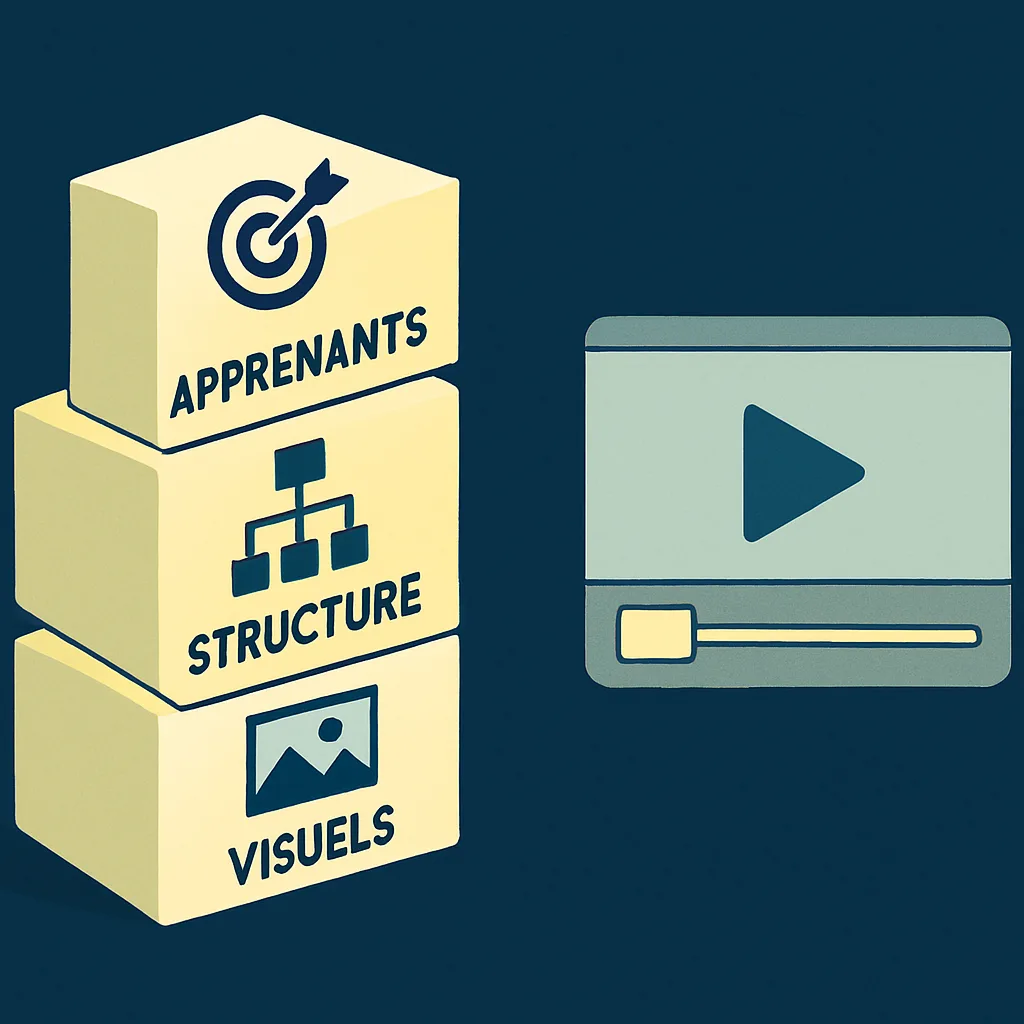
Camtasia does not structure the teaching: it is an editor, not an instructional designer. Hoctav builds in targeting the learner, the M.E.R.E. structure and F.A.B. visuals, for modules designed for retention.
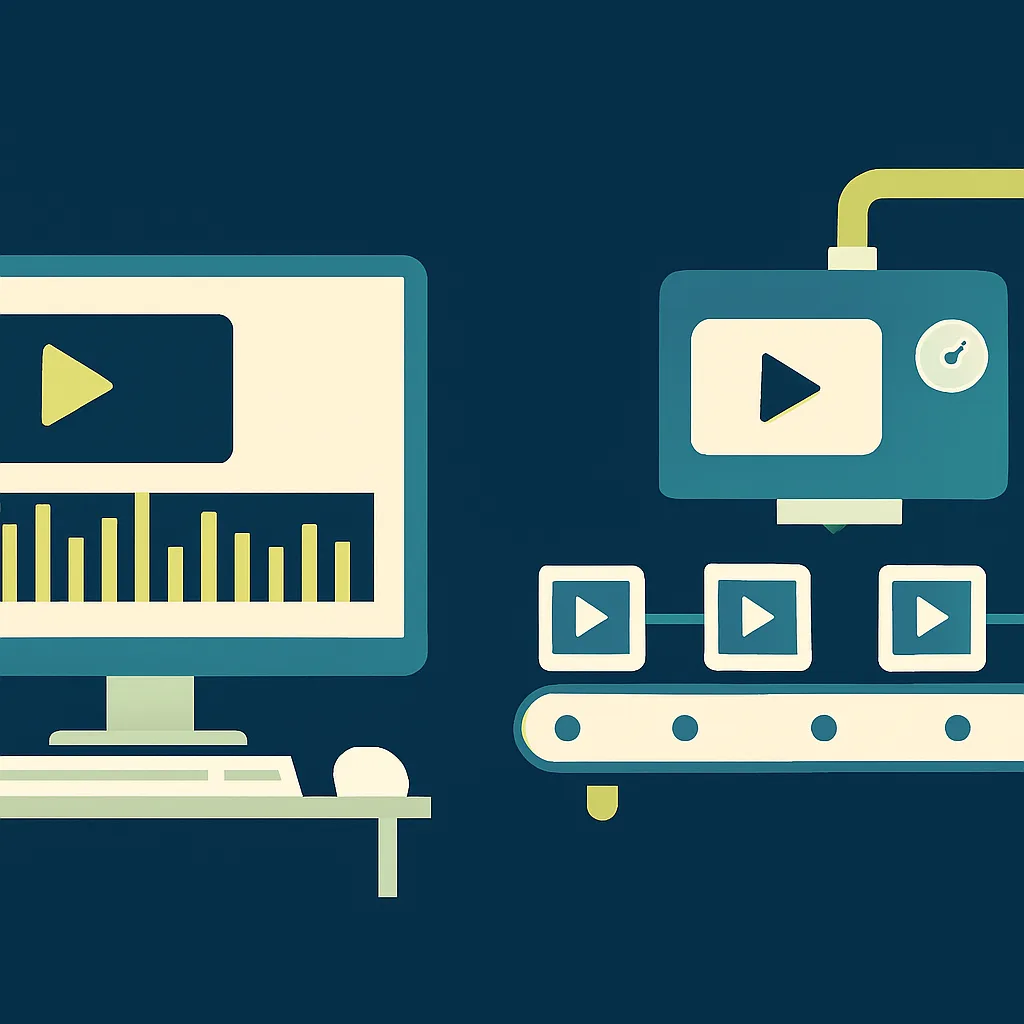
Camtasia is software installed on a workstation, hard to industrialise across many modules and contributors. Hoctav is a collaborative platform with French hosting, designed to produce and update at scale.

| Criterion | Camtasia | Hoctav |
|---|---|---|
| Primary purpose | Editing & screen capture (software) | AI training studio (platform) |
| Production | Manual, frame by frame | Automated (script, voice, visuals) |
| Production time | High | A few minutes |
| Skill required | Video editing | None |
| Instructional structure (M.E.R.E.) | No | Yes, automatic |
| Instructional visuals (F.A.B.) | Manual | Generated automatically |
| Voice-over & subtitles | To do yourself | AI, 30+ languages |
| Scaling up | Difficult (workstation by workstation) | Collaborative, French hosting |
Comparison for guidance only, based on the primary purpose of each tool. Publishers' features evolve regularly.
Camtasia remains relevant for fine editing and occasional screen capture. Hoctav comes into its own as soon as you need to produce training videos in volume, fast and without editing skills.
Try Hoctav for free, no credit card. Turn a piece of knowledge, a procedure or a message into a training video in minutes.